
Let’s be honest for a second. We’ve all been at those networking events where someone shoves a flimsy, home-printed bit of paper into your hand that’s been cut with a pair of kitchen scissors. What’s the first thing you think about their business? Exactly. It doesn't scream "industry leader," does it? As someone who has spent two decades staring at ink density and paper grains, I’ve seen firsthand how a properly executed card printing project can open doors that a LinkedIn request simply can't.

The "Flick Test" and Why Materials Matter
In the trade, we talk about GSM (grams per square metre) constantly. If you’re printing a card and you choose anything under 350gsm, you’re basically handing out a thick post-it note. For my own cards, I never go below 450gsm. I remember handing my card to a potential big-ticket client a few years back. He didn't even look at the design first; he just did the "flick test" with his thumb, felt the weight, and said, "Solid card. You must be doing well." That’s the psychology of print on card paper. It’s a tactile shorthand for "I’m reliable."
Choosing the right card printing paper is about more than just thickness, though. You’ve got to think about the finish. If you’re doing card photo printing—perhaps you’re an estate agent or a photographer—a gloss finish makes those images pop. But if you’re a consultant or a lawyer, a matte or "soft-touch" lamination on your printing business card design adds a level of sophistication that feels expensive under the fingers.

Designing for the Real World
I’ve seen some beautiful designs on screen that turn into a nightmare once we start printing to card. The biggest culprit? Safe zones. You might have a gorgeous logo, but if you put it 1mm from the edge, our industrial guillotines might give it a haircut you didn't ask for. When you’re neck-deep in business card print design, always leave a 3mm "bleed" and a 3mm "safe zone."
If technical jargon makes your head spin, don't worry—most reputable printers (us included!) offer design business card printing services. We had a florist recently who tried to DIY her invitation card printing for a wedding fair. She used a low-res image from her phone, and it came out looking like a pixelated mess. We sat down, re-did the design using high-res files, and the difference was night and day. If you’re supplying your own artwork for printing invitation cards, just remember: 300dpi is your best friend.
Building a Consistent Brand
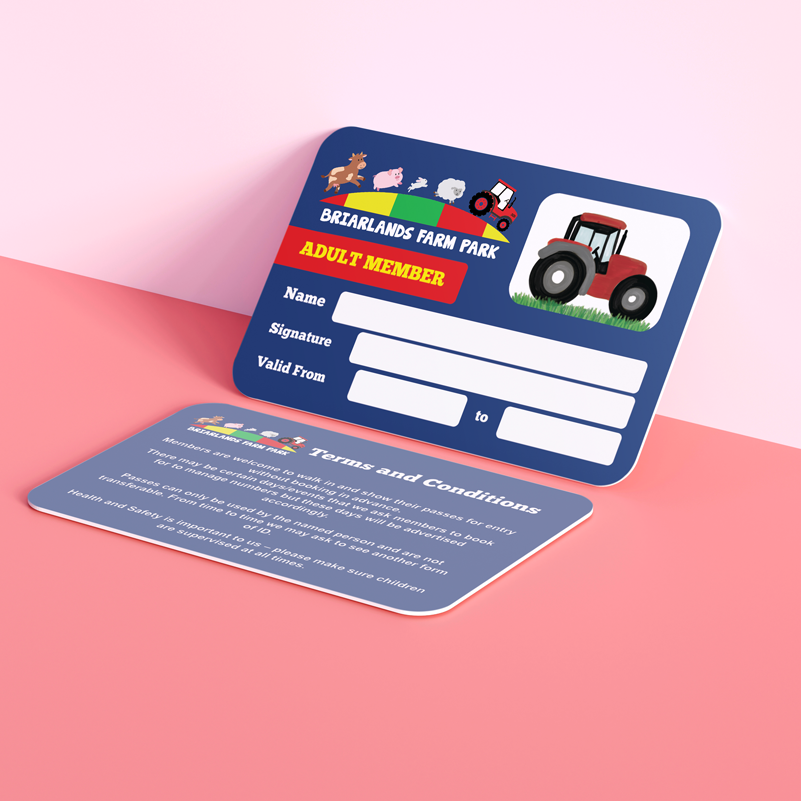
Consistency is where a lot of small businesses stumble. You want your gift card printing to look like it belongs in the same family as your business cards. If you’re ordering flyer and business card printing as a bundle, make sure the colours are matched. There’s nothing that breaks the spell of a professional brand faster than three different shades of "brand blue" across your marketing materials.
Think outside the box, too. We do a lot of place card printing for corporate dinners, and I always suggest using the same paper for printing cards that they used for their main stationery. Whether it’s greeting card custom printing for your top 10 clients or poster card printing for a shop window, that cohesive look tells people you pay attention to the details. And if you pay that much attention to your paper for printing cards, they’ll trust you to pay that much attention to their project.
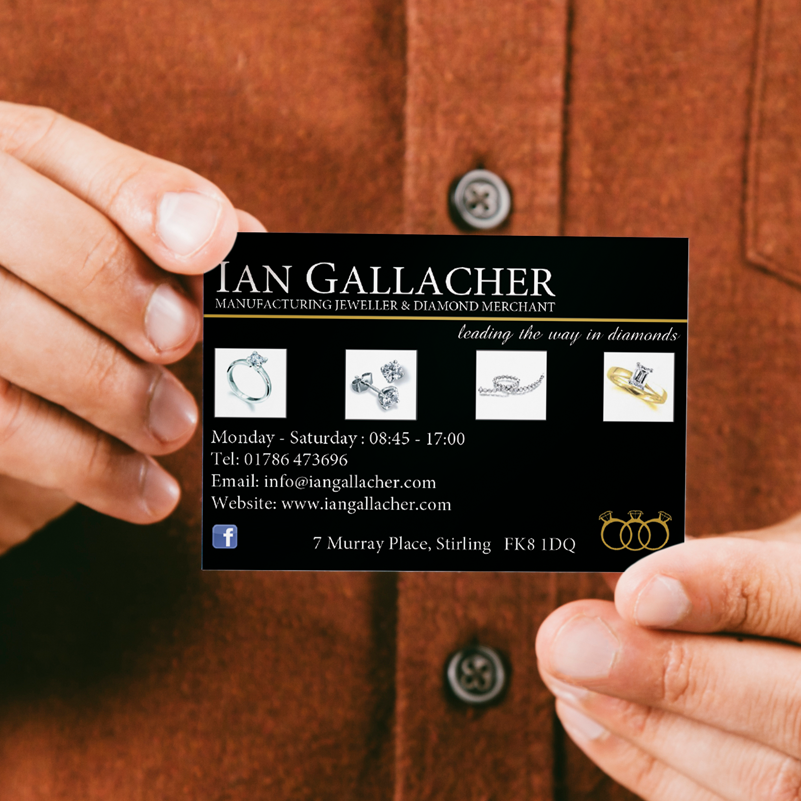
At the end of the day, your card is the only thing left on the desk after you’ve left the room. Whether you need a simple print gift card or a complex, multi-item business card and flyer printing run, treat it as an investment in your reputation. A great card doesn’t just give people your number; it gives them a reason to call it.
FREQUENTLY ASKED QUESTIONS (FAQ)
Q1: What is the standard size for business card printing in the UK?
The standard UK business card size is 85mm x 55mm. When preparing your artwork, you should always include a 3mm "bleed" on all edges, making your total file size 91mm x 61mm to ensure no white edges appear after cutting.
Q2: Can I write on a business card with a gloss finish?
Standard ballpoint pens often struggle with high-gloss finishes as the ink can smudge. If you need to write on your cards—for example, if you are using them for place card print or appointment cards—we recommend choosing an uncoated or silk finish.
Q3: What resolution do I need for card photo printing?
For a crisp, professional finish, all images should be at least 300dpi (dots per inch) at the final print size. Images saved from websites are usually only 72dpi and will appear blurry or "blocky" when printing to card.
Q4: Is it cheaper to order flyer and business card printing together?
Generally, yes. Ordering your business card and flyer printing at the same time allows the printer to potentially group the jobs, and it ensures that the colour reproduction is consistent across different types of card printing paper.
Q5: What information is essential for a business card printing design?
At a minimum, you should include your name, job title, company logo, phone number, and email address. Many modern designs also include a QR code or a single social media handle to keep the layout clean and avoid clutter.
Q6: Do you offer custom greeting card printing for businesses?
Yes, we specialise in custom greeting card printing and invitation cards printing. Using a high-quality card for printing your holiday or "thank you" notes is a fantastic way to maintain a personal connection with your client base.
Q7: What is the difference between CMYK and RGB?
RGB (Red, Green, Blue) is for digital screens, while CMYK (Cyan, Magenta, Yellow, Black) is for professional card printing. You should always set your design business card printing files to CMYK to ensure the colours you see on your screen match the final printed product.
Posted by By Jenny on 10th Apr 2026